FinancialTrackr
Financial Research & Analysis Platform
Financial Research & Analysis Platform
Take control of your financial journey with our all-in-one platform
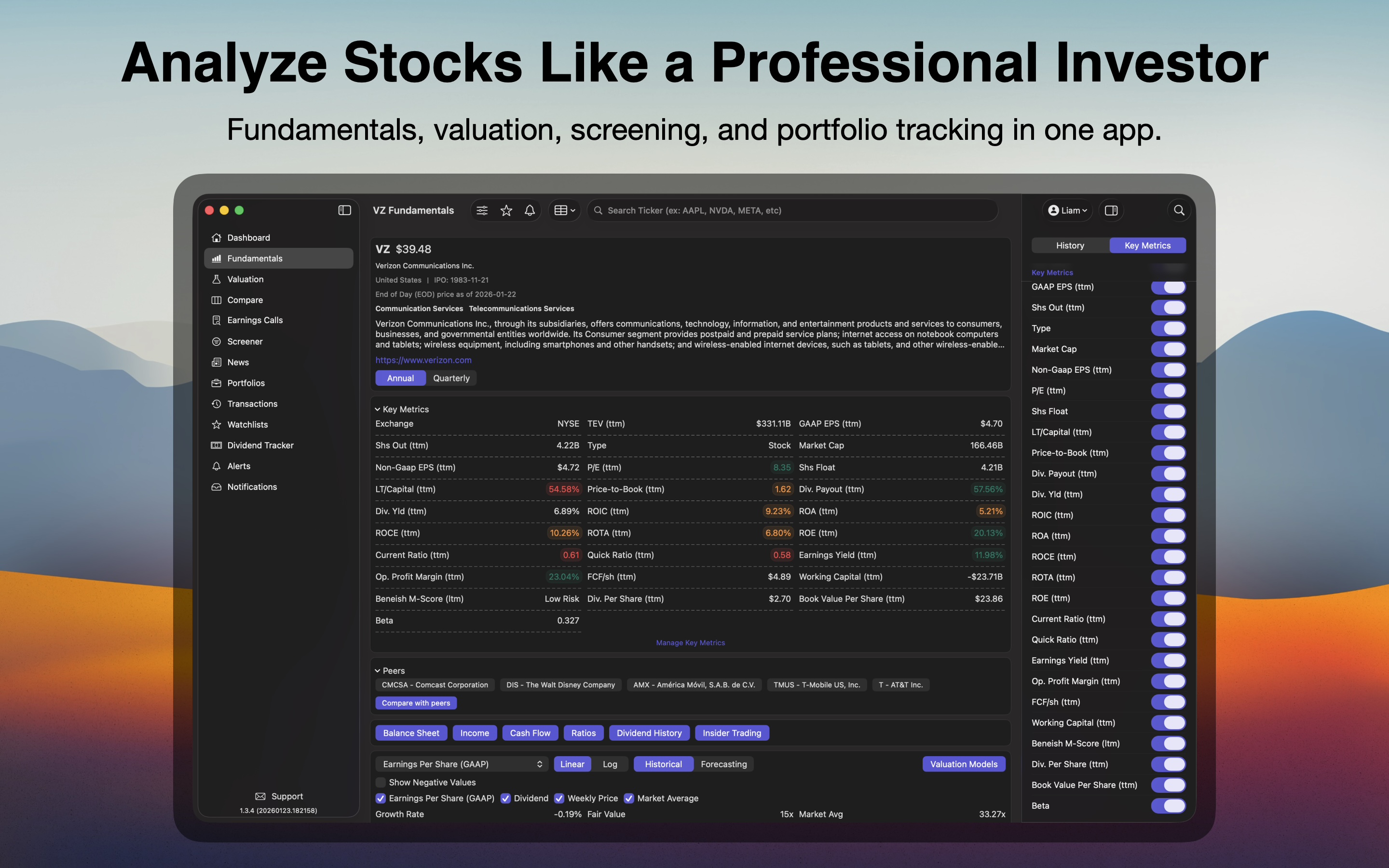
Features
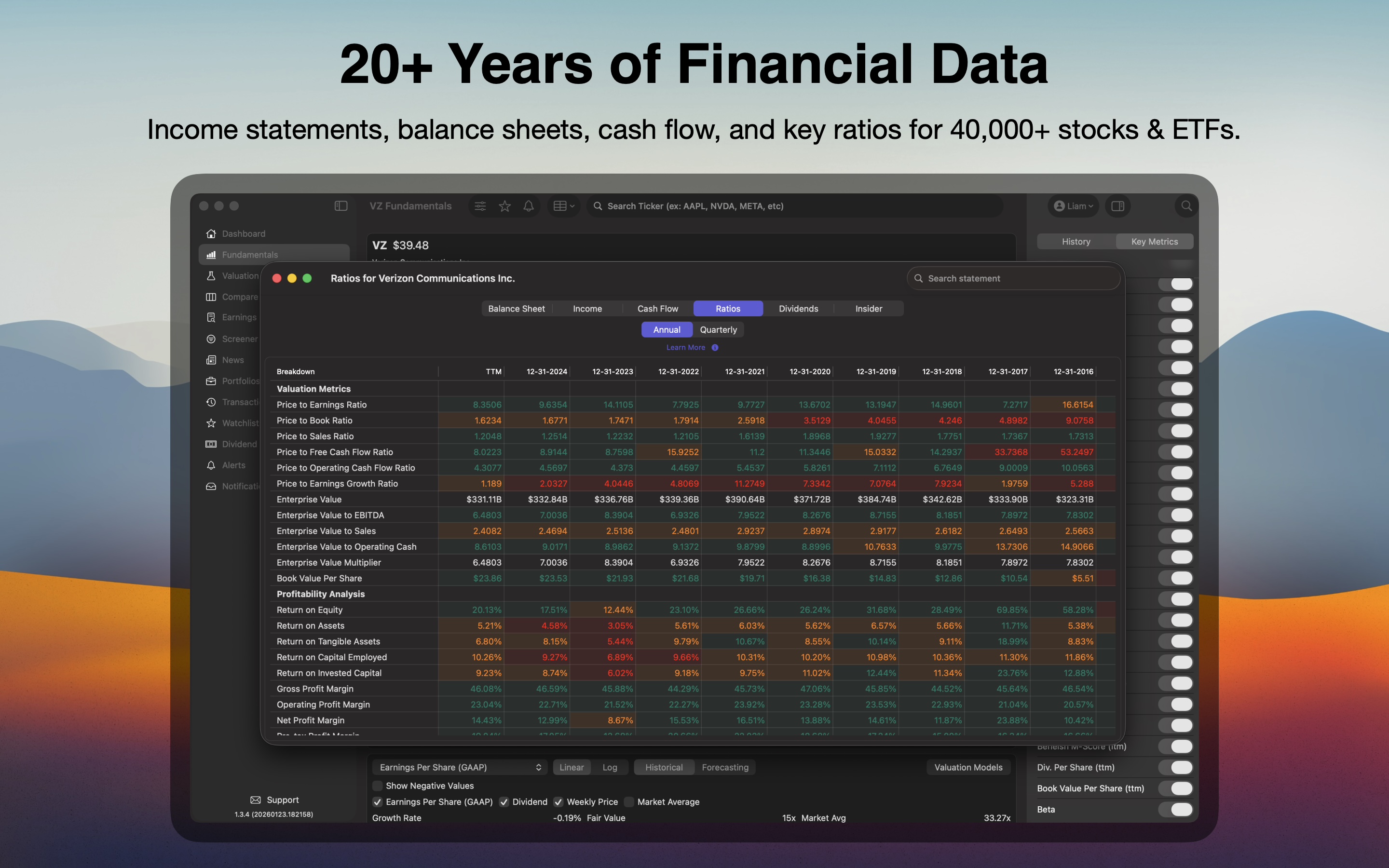
20+ Years of Financial Data
Income statements, balance sheets, cash flow, and key ratios for 40,000+ stocks & ETFs.
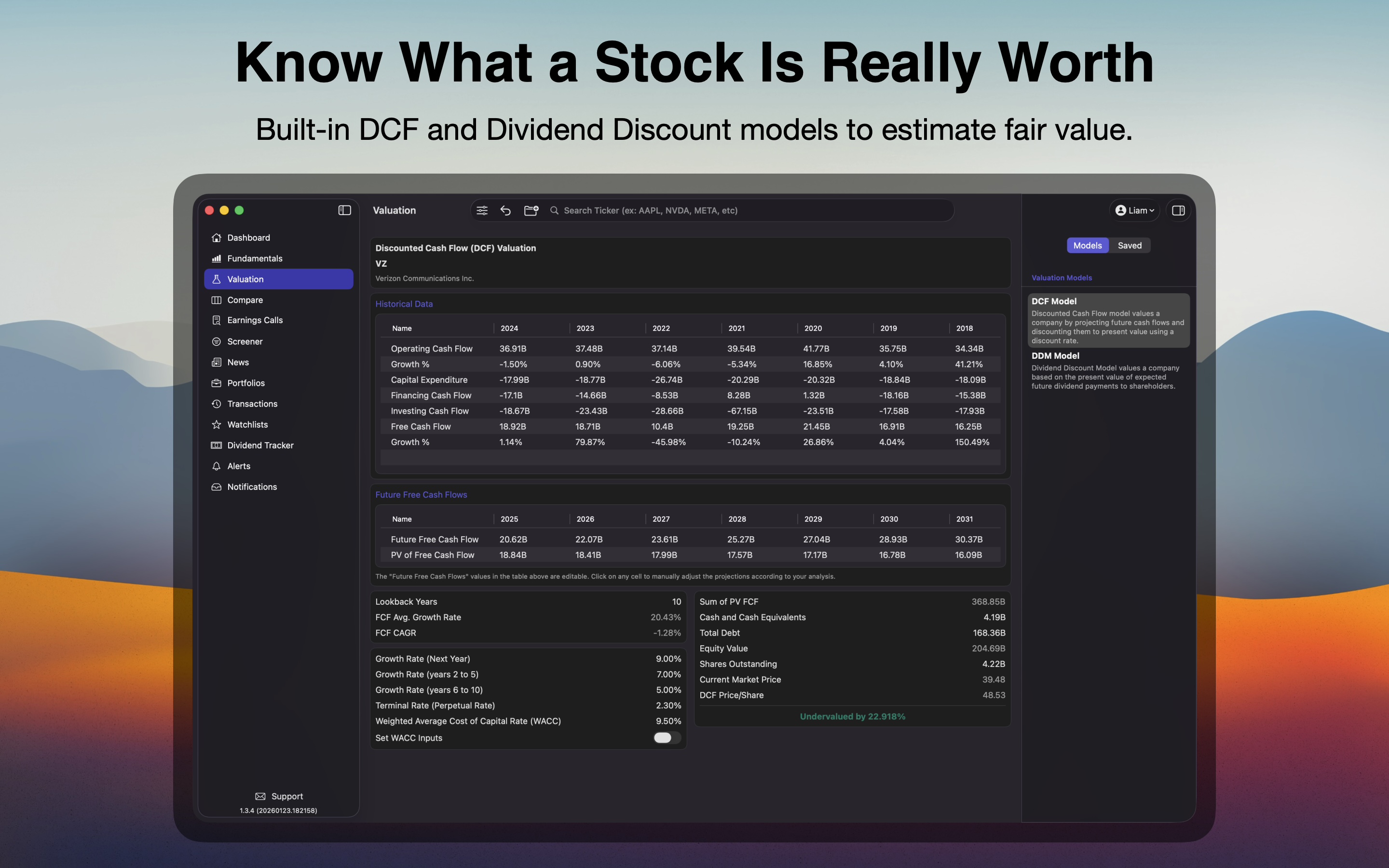
Know What a Stock Is Really Worth
Built-in DCF and Dividend Discount models to estimate fair value.
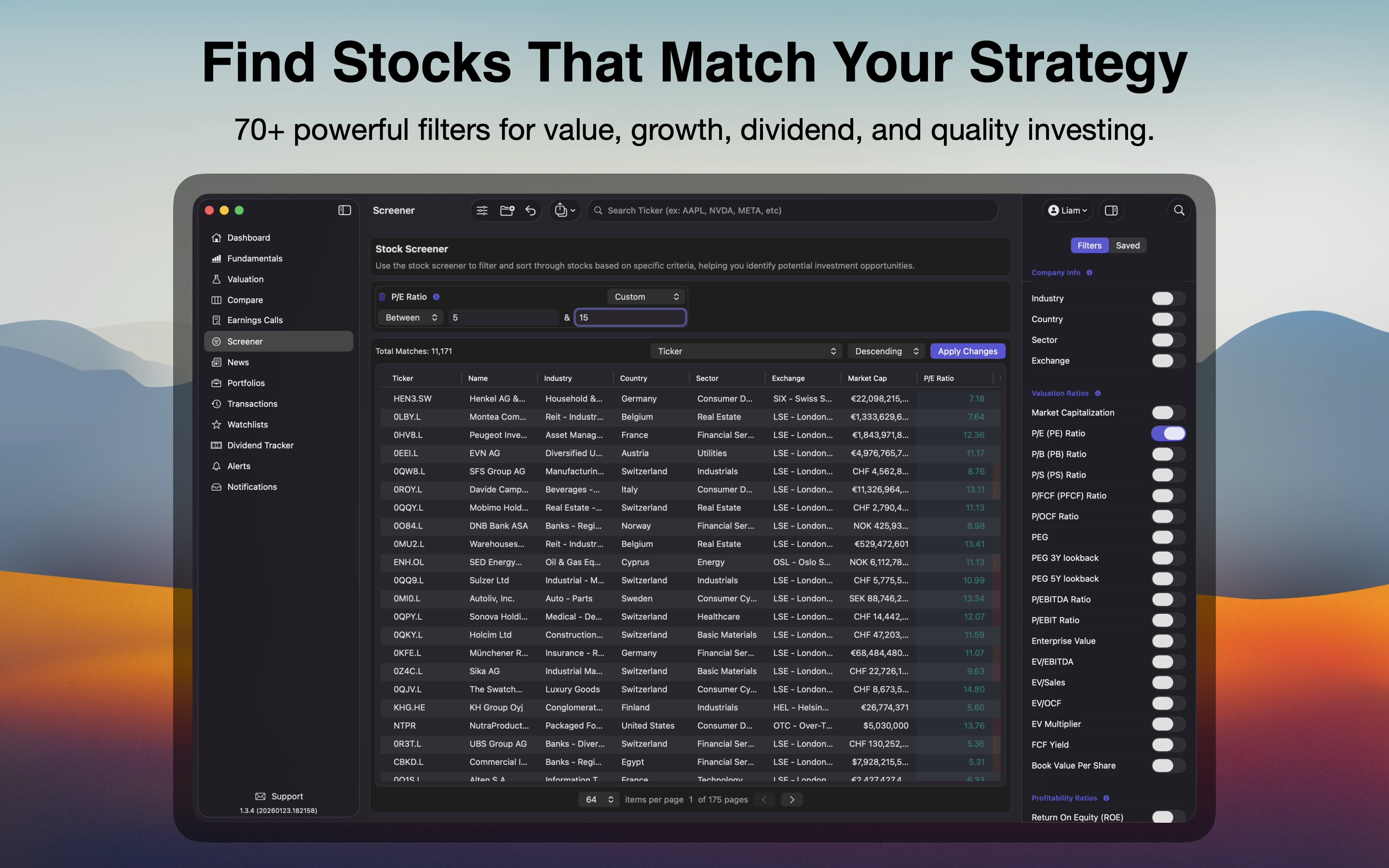
Find Stocks That Match Your Strategy
70+ powerful filters for value, growth, dividend, and quality investing.
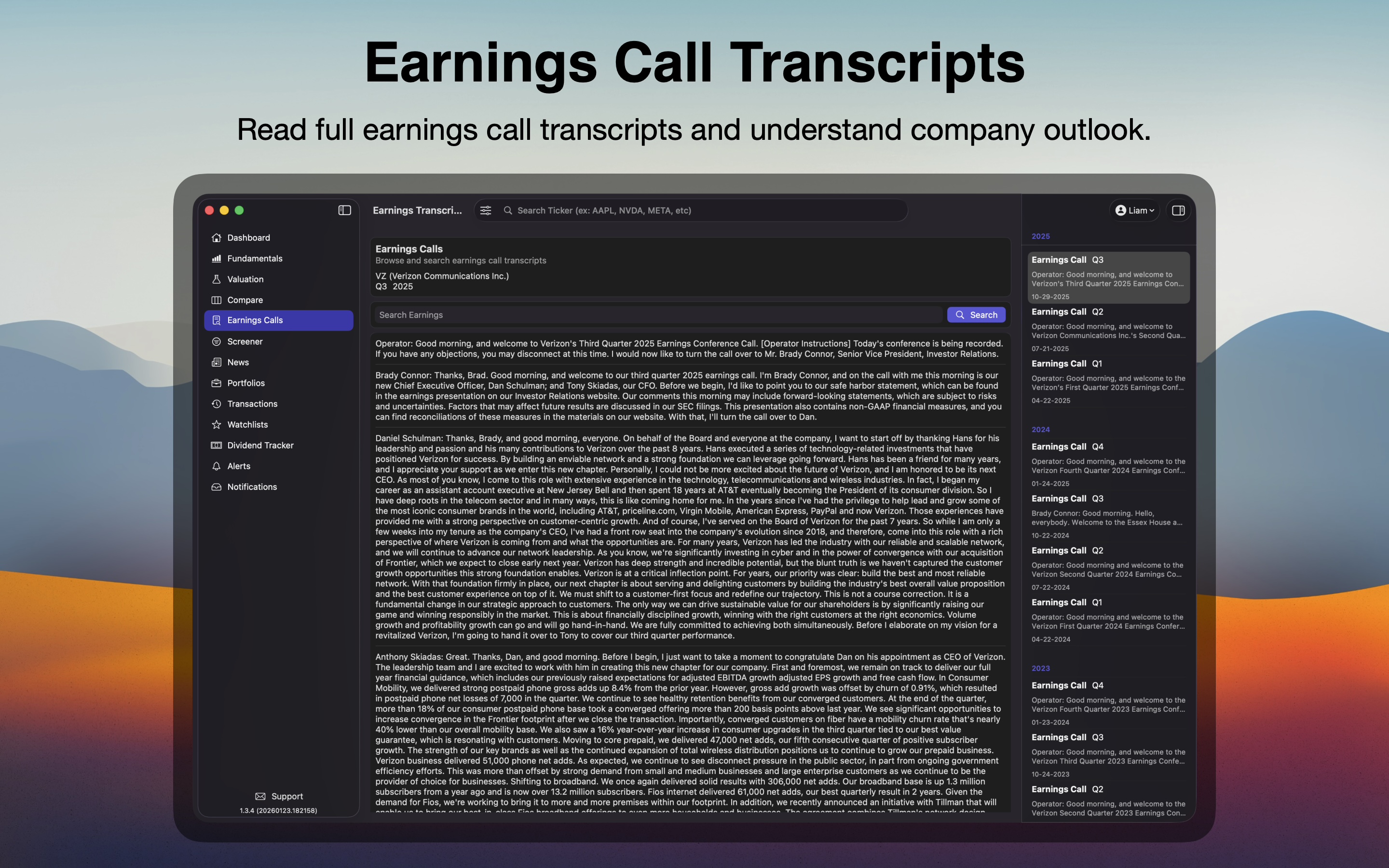
Earnings Call Transcripts
Read full earnings call transcripts and understand company outlook.
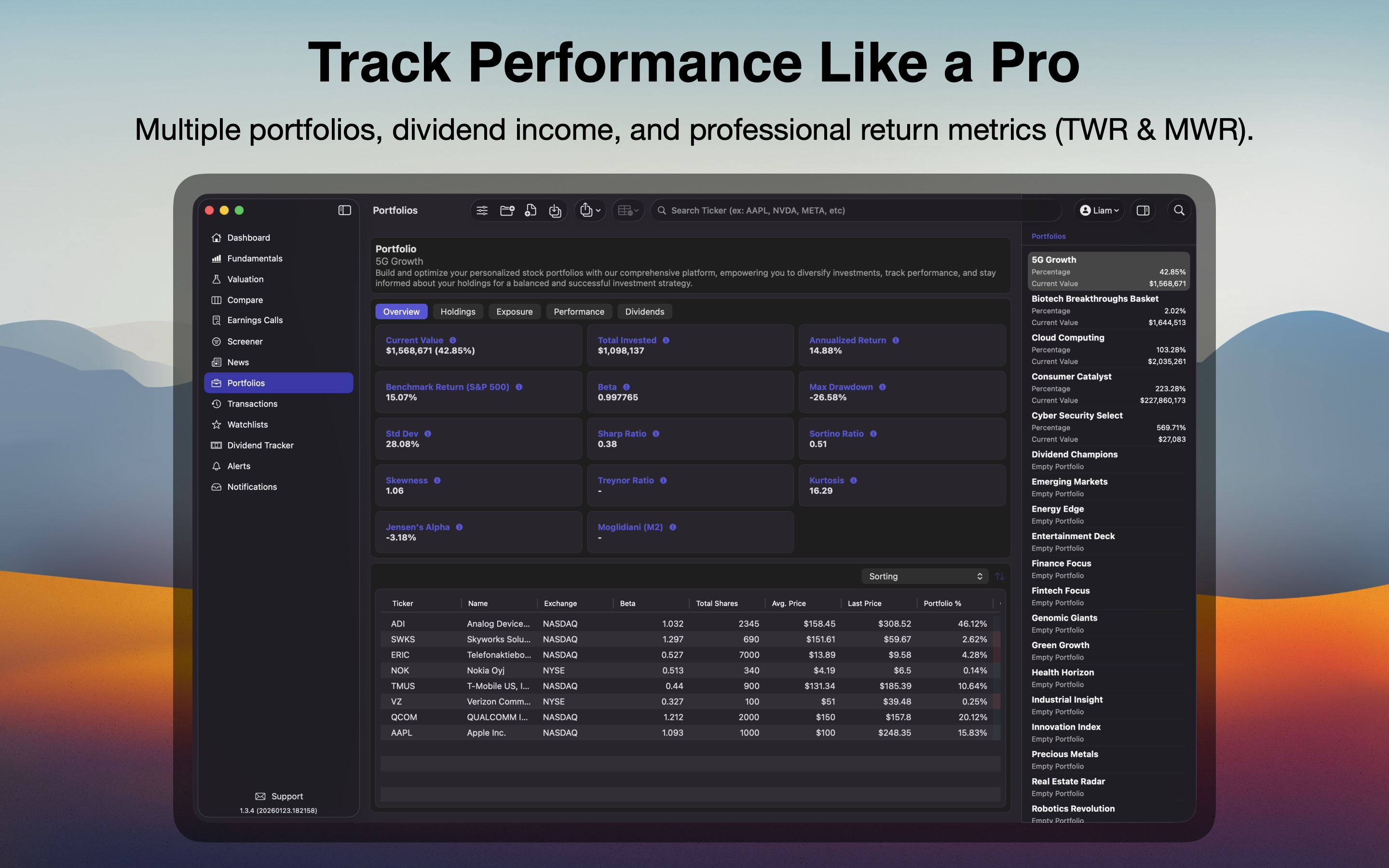
Track Performance Like a Pro
Multiple portfolios, dividend income, and professional return metrics (TWR & MWR).
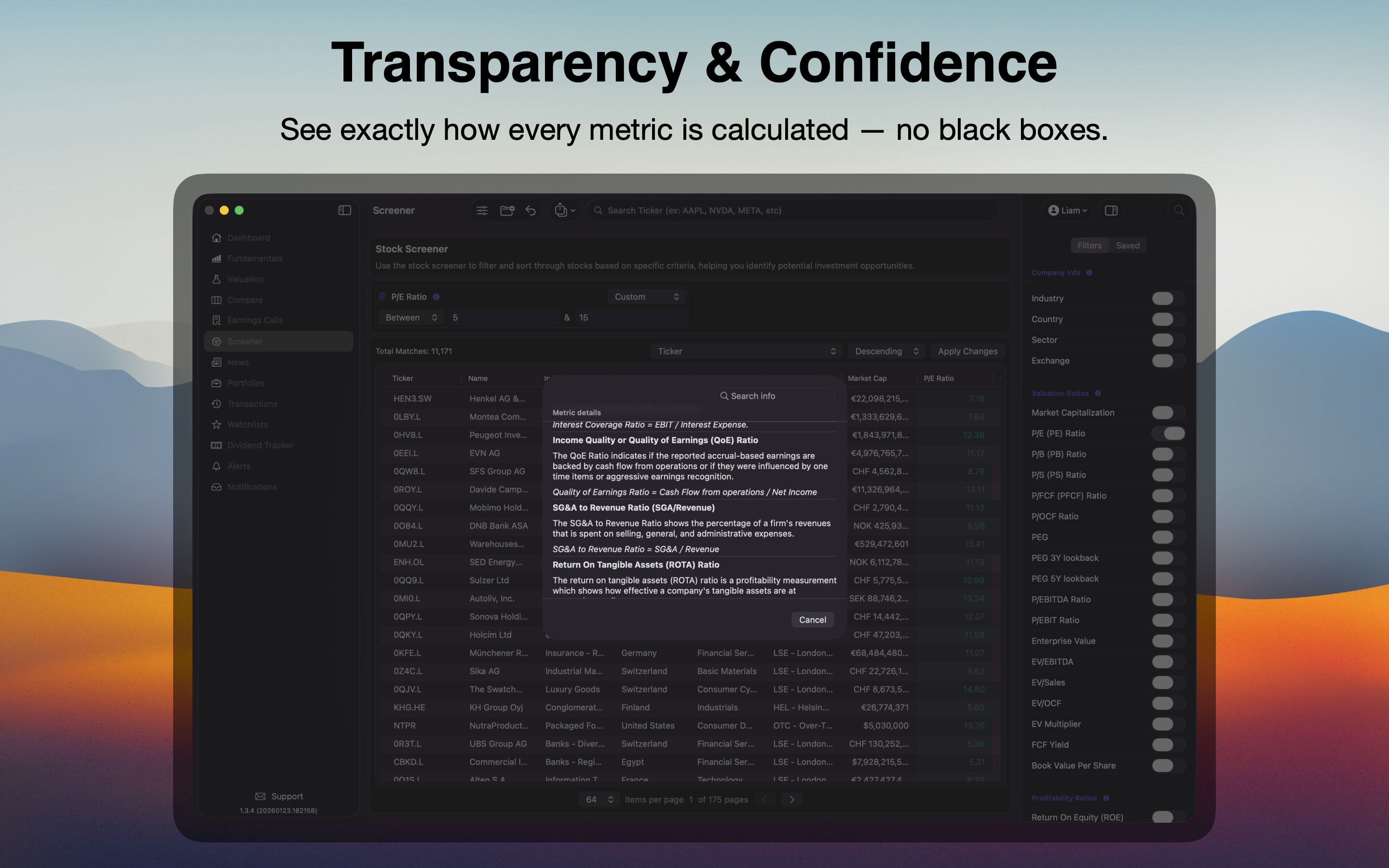
Transparency & Confidence
See exactly how every metric is calculated — no black boxes.
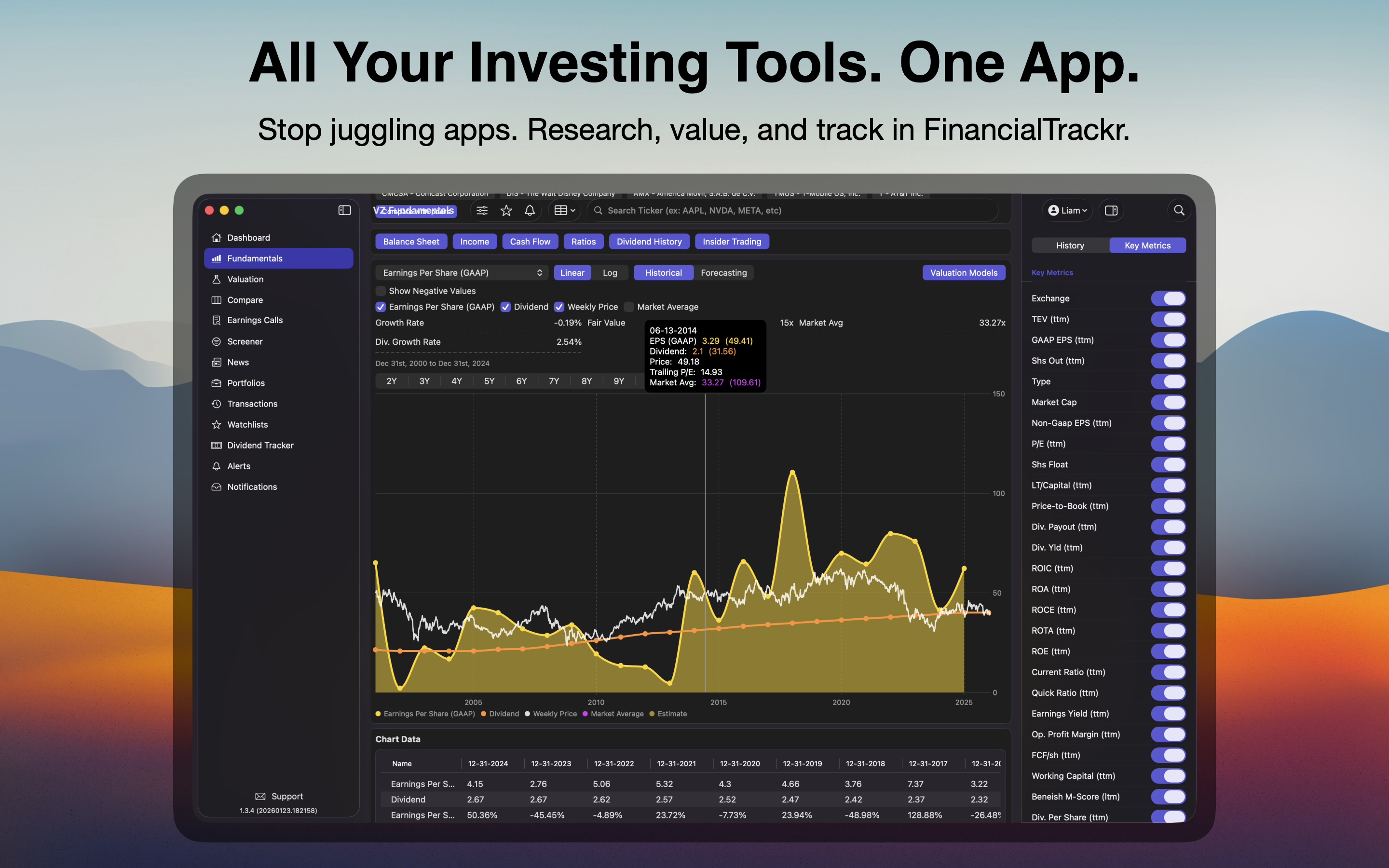
All Your Investing Tools. One App.
Stop juggling apps. Research, value, and track in FinancialTrackr.
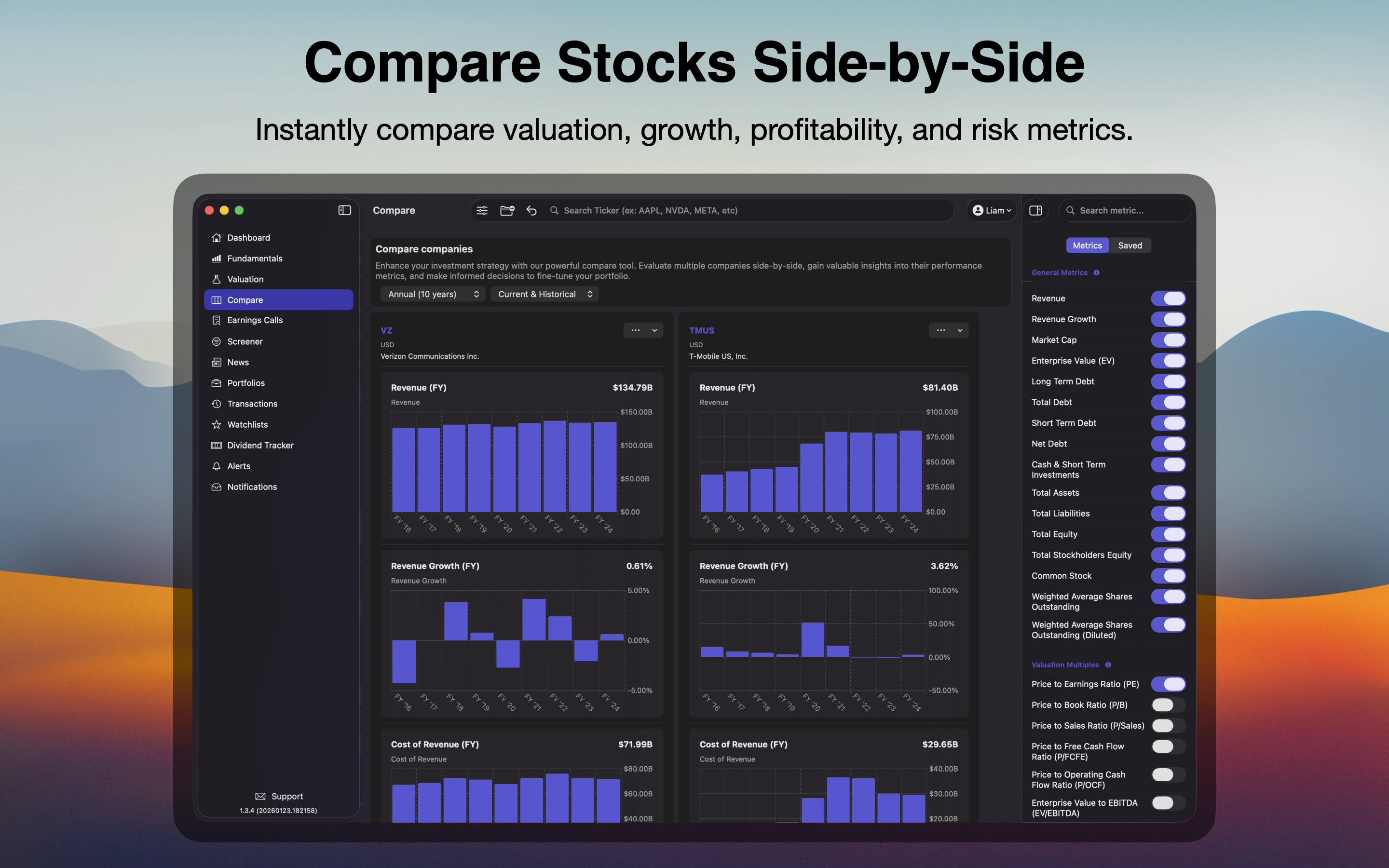
Compare Stocks Side-by-Side
Instantly compare valuation, growth, profitability, and risk metrics.
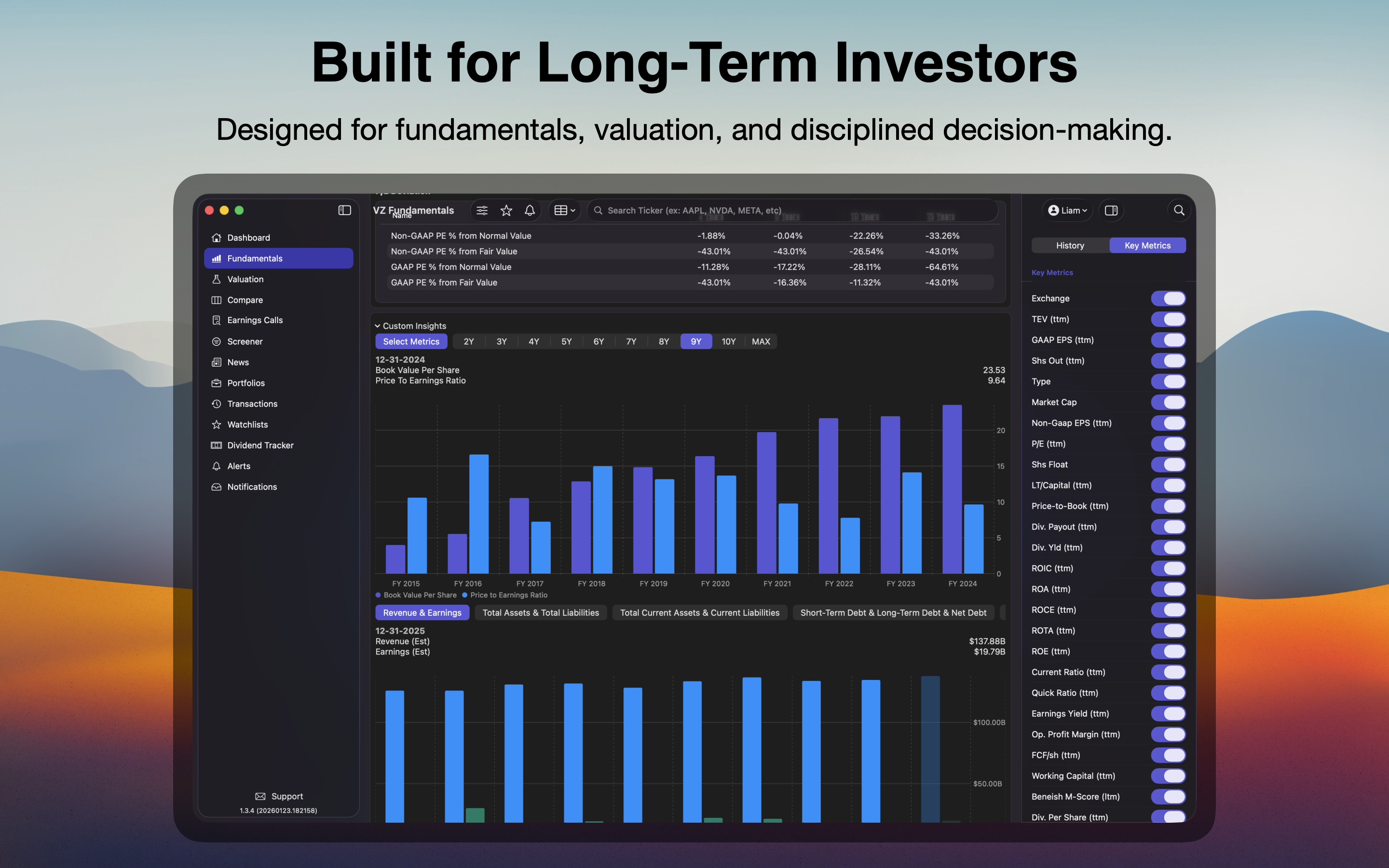
Built for Long-Term Investors
Designed for fundamentals, valuation, and disciplined decision-making.
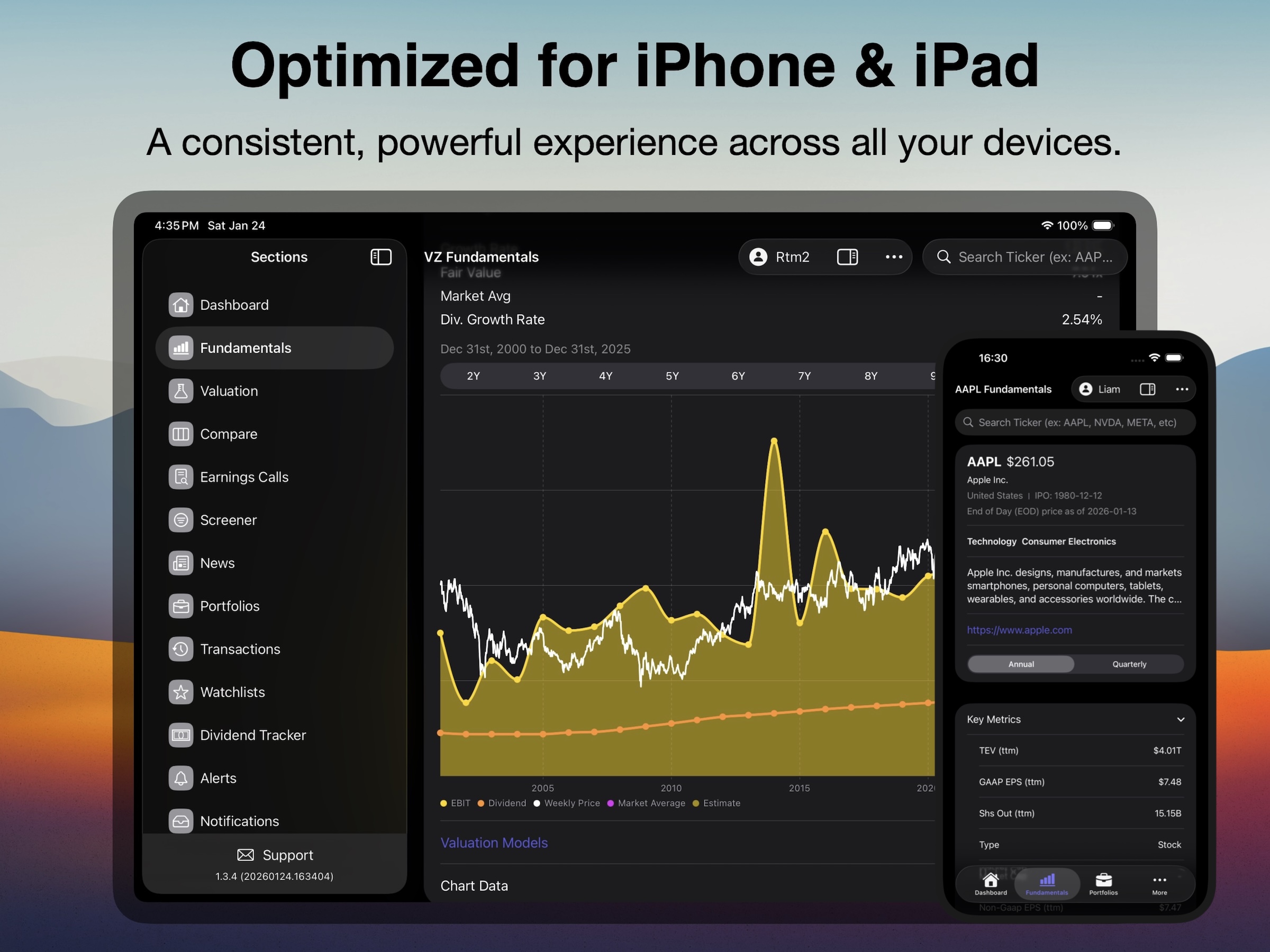
Optimized for iPhone & iPad
Keep track of your investments with personalized watchlists. Monitor key assets and market trends in one place, ensuring you stay informed and ready to make timely decisions.
Have any questions?
Frequently Asked Questions
Can I upgrade or downgrade my plan at any time?
Yes, you can easily upgrade or downgrade your plan at any time through the App Store. On iPhone or iPad, go to Settings > [Your Name] > Subscriptions. On Mac, open the App Store and click your name or the sign-in button in the sidebar, then click 'Manage' next to Subscriptions. Find our app and choose the desired plan. Changes will take effect at the end of your current billing period, and Apple will handle any pricing adjustments automatically. Our support team is happy to provide guidance on choosing the right plan for your needs.
Is there a free trial?
Yes, when you subscribe to the monthly plan through the App Store, you'll receive a free trial period. Simply download the app and choose the monthly subscription option to start your trial. You won't be charged until the trial period ends, and you can cancel anytime during the trial through your device's subscription settings (Settings > [Your Name] > Subscriptions on iPhone/iPad, or App Store > Account > Manage Subscriptions on Mac) if you decide not to continue.
What's your refund policy?
Refunds are handled through Apple's App Store policies. You can request a refund directly from Apple by visiting reportaproblem.apple.com and signing in with your Apple ID, or by going to your purchase history in the App Store. Apple typically considers refund requests within 90 days of purchase. For any issues with the app or questions about whether you may be eligible for a refund, our support team is here to help guide you through the process.
How to get support for the product?
Our dedicated support team is here to help. You can reach out to us by sending an email. We'll be happy to assist you with any questions or concerns you may have
Have questions, or feedback? Our team is here to assist you in any way we can.
Drop us a message at